
Your journey, directed by you
Animated travel maps, made from your journey.
Build animated travel maps for reels, stories, and trip recaps. Add the places, the moments, and the way you moved between them.
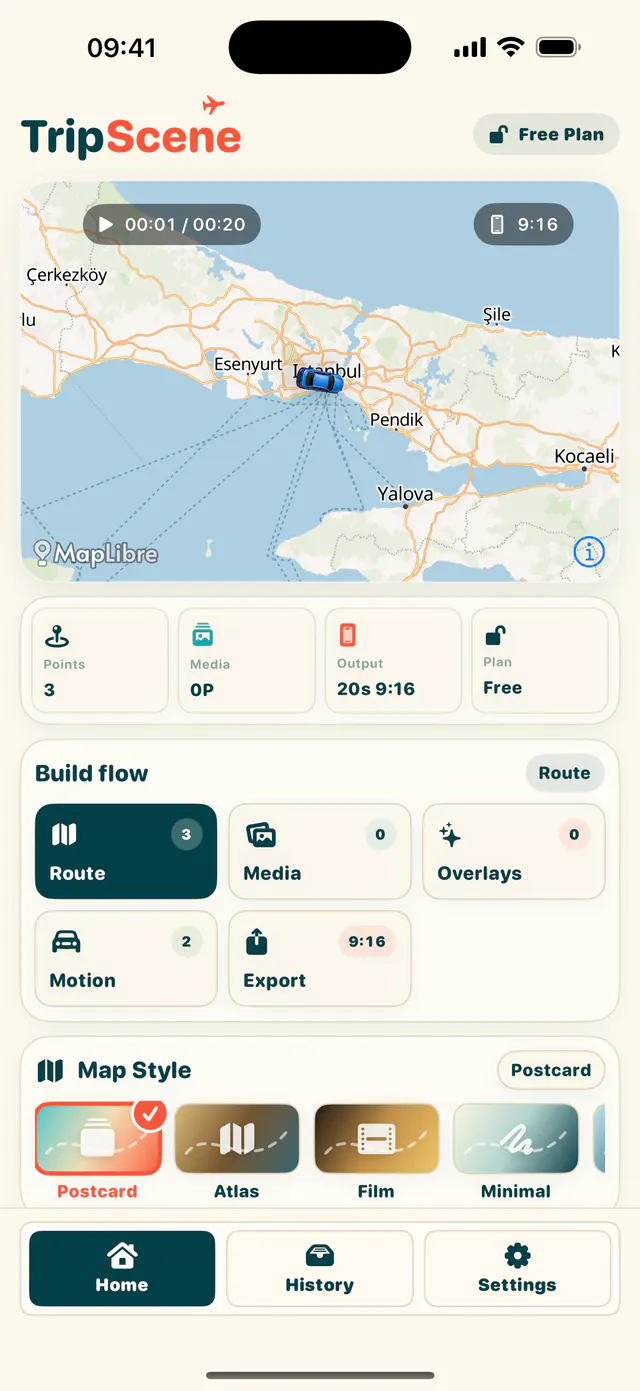
Premium storytelling
More room for the whole journey.
60 seclong-form routes
1080phigh-quality exports
9:16 + 1:1social-ready formats
Made in TripScene
Three routes. Three completely different stories.
These are real TripScene exports built from real destinations, route motion, and stop media.
Paris weekend
Montmartre to The Louvre to Eiffel Tower
Walk + driveNew York in motion
Brooklyn Bridge to Times Square to Central Park
Drive + walkSantorini coast
Athinios Port to Imerovigli to Oia
Scenic driveThe complete toolkit
Every part of the journey is editable.
TripScene goes far beyond drawing a line on a map. Find the right places, direct how every leg moves, design each stop independently, and finish a social-ready travel film in one editor.
4travel modes
10map themes
5photo transitions
11title frames
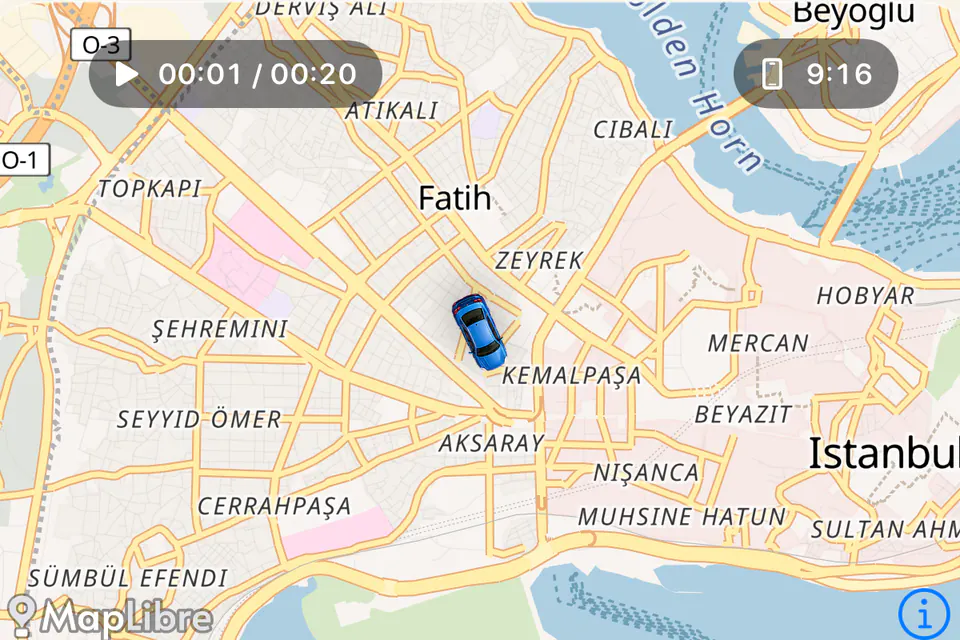
Places
Find the exact stop.
Search cities, areas, airports, landmarks, and points of interest. Use your current location, browse nearby places, or name a custom stop when the place is not in TripScene yet.
- Global destination search
- Current Location + Nearby
- Custom named stops
- Rename and reorder
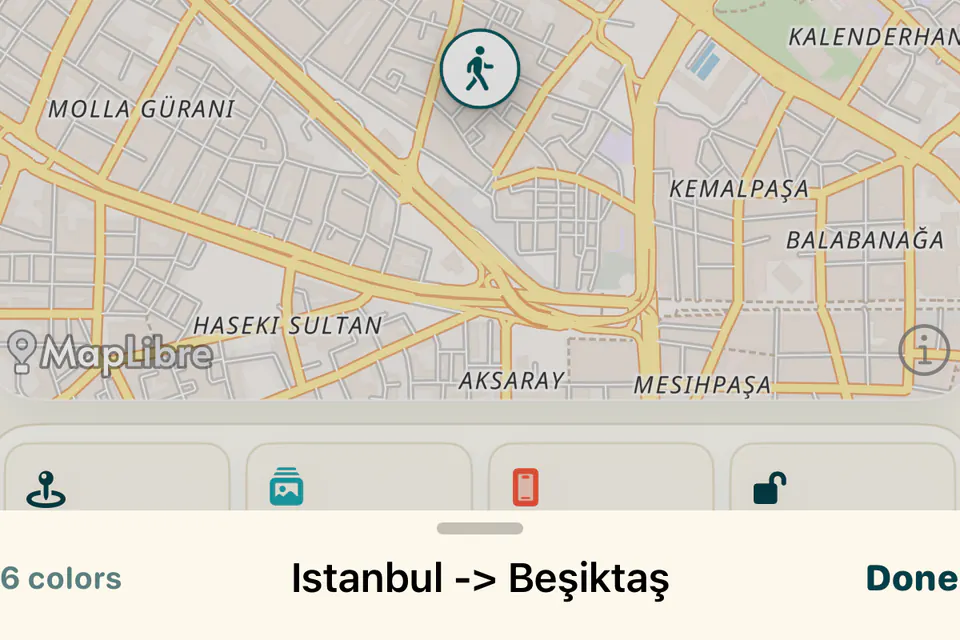
Route motion
Direct every leg.
Choose car, walking, plane, or ferry for each leg. TripScene builds the matching route motion and lets you set the vehicle look and camera direction separately.
- 4 travel modes
- Per-leg vehicle choice
- Icon and color options
- Cinematic camera presets
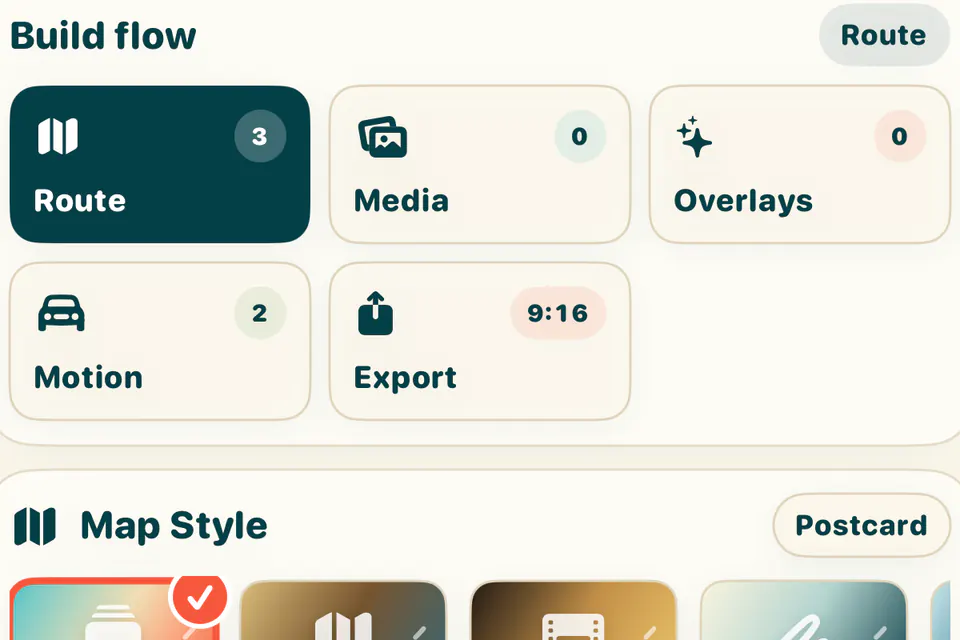
Map design
Make the map yours.
Switch among ten map looks, from Postcard and Atlas to Noir, Neon, and Topo. Complete the scene with an animated route trail, vehicle packs, and travel stickers.
- 10 map themes
- Animated route trail
- Vehicle icon packs
- Sticker library
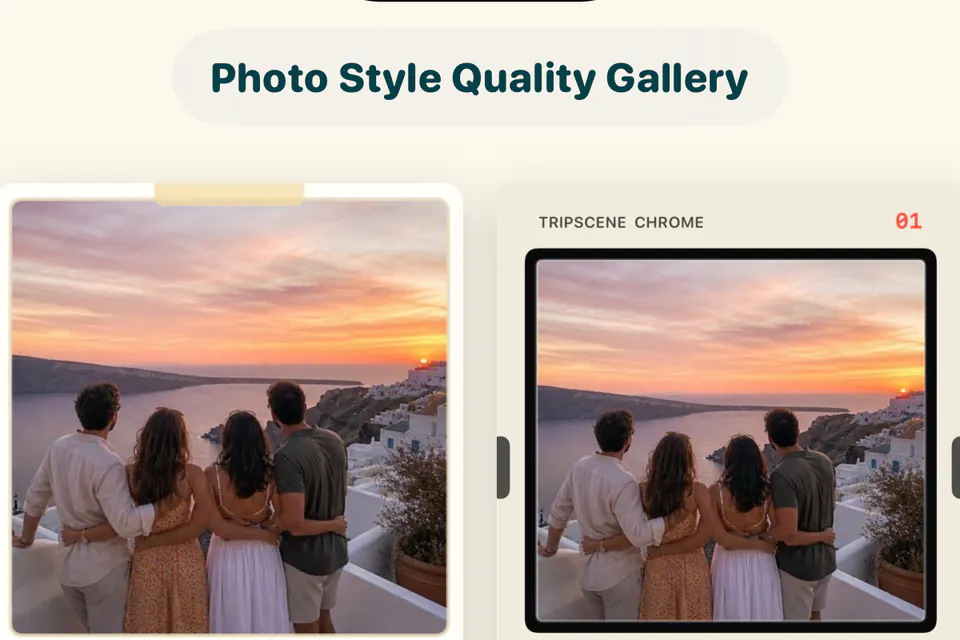
Photo direction
Make photos perform.
Give every stop its own card treatment. Animate photos with five transition families, then move, scale, rotate, and reorder every moment on screen.
- Magazine, Polaroid, Carousel, Viewfinder
- 5 photo transitions
- Per-stop styling
- Manual layout control
Video moments
Mix video into the story.
Add a clip to any stop as a full-screen beat or a card alongside photos. Place it in sequence, choose its transition, and control the original audio level.
- Full screen or card
- Photo + video ordering
- 6 clip transitions
- Volume control
Titles and overlays
Give every place a voice.
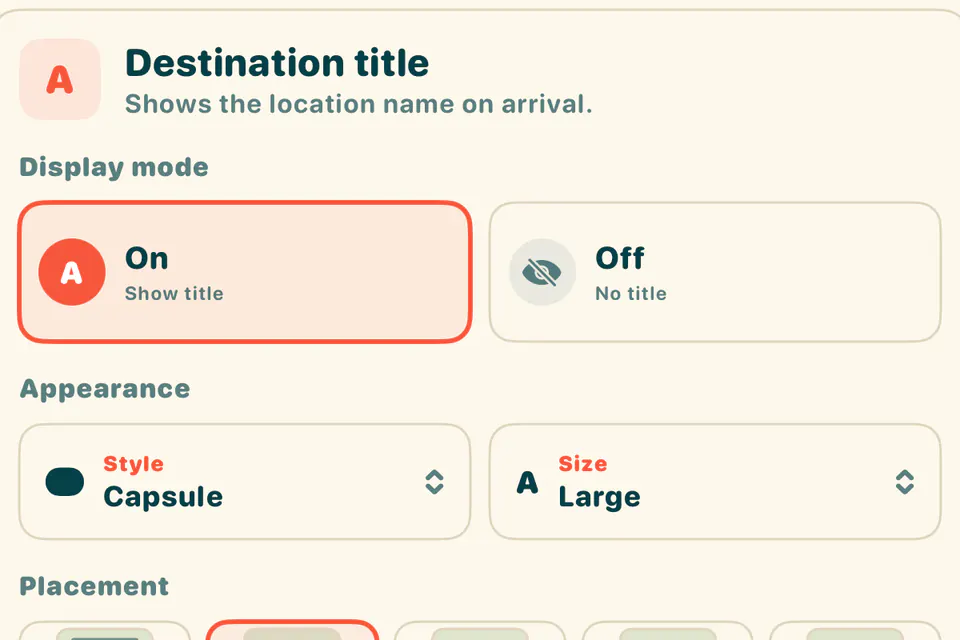
Frame destination titles in eleven styles, place them from top to bottom, and size them without clipping long names. Add custom text and stickers wherever the scene needs a point of view.
- 11 destination title frames
- Auto-fit long names
- 5 custom text styles
- Move, scale, and rotate overlays
Story timing
Control the pace, not every frame.
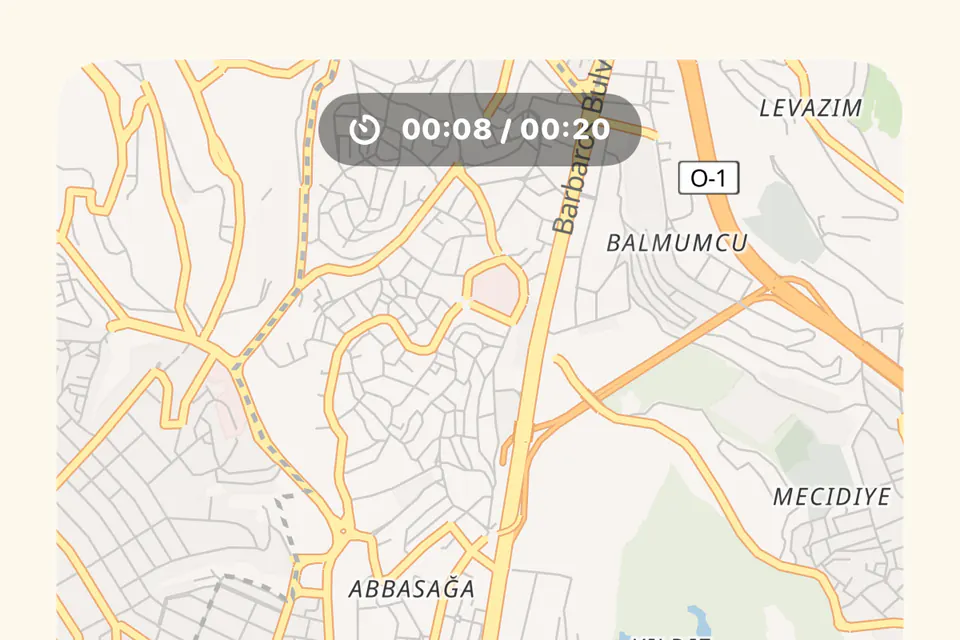
Choose a 10 to 60 second duration, with 20 seconds as the default. TripScene balances travel and media automatically while keeping the road-time share and timing totals editable and visible.
- Adjustable road percentage
- Road + media time totals
- Automatic stop timing
- Preview and export stay aligned
Export and history
Share it, then return to it.
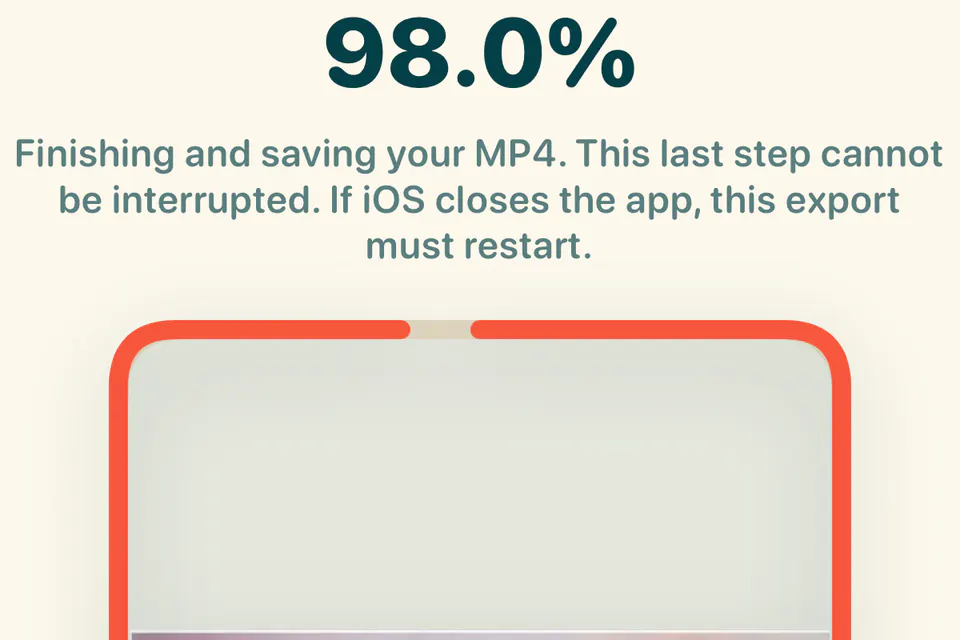
Render a vertical 9:16 or square 1:1 MP4 up to 1080p. Share through Instagram, Facebook, or iOS, then find the dated latest export and earlier projects in Trip History.
- 9:16 + 1:1 formats
- 1080p MP4
- Social and iOS sharing
- Dated export + Trip History
Free to start. One-time Premium unlock.The free plan exports one watermarked 720p video every 7 days, up to 3 destinations and 20 seconds, on the Postcard map with car routes. Premium is a single purchase: unlimited 1080p exports with no watermark and no outro, up to 60 seconds, every map style, travel mode, camera motion, vehicle icon and sticker, and up to 5 stop videos.
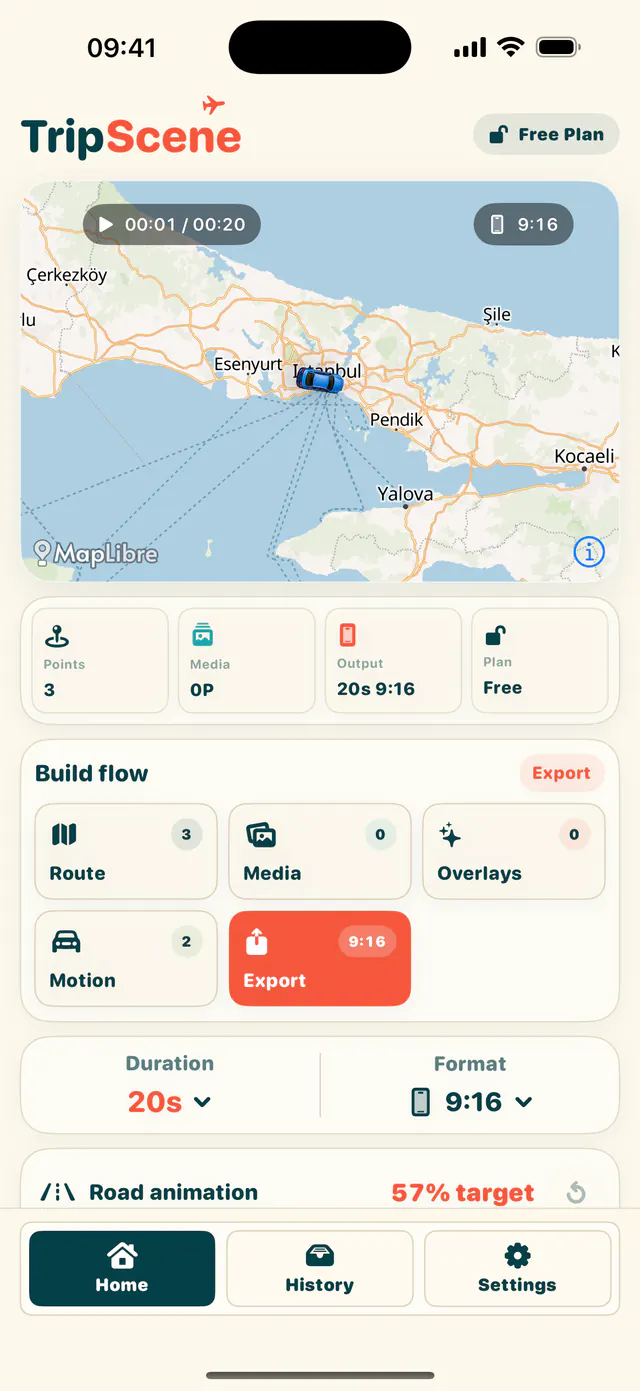
Build the route
Pick your destinations, reorder every stop, and choose how you travelled on each leg.
- Rename locations for the story you want to tell
- Set map, vehicle, and camera motion by route leg
- Preview timing before the final export


Make every stop yours
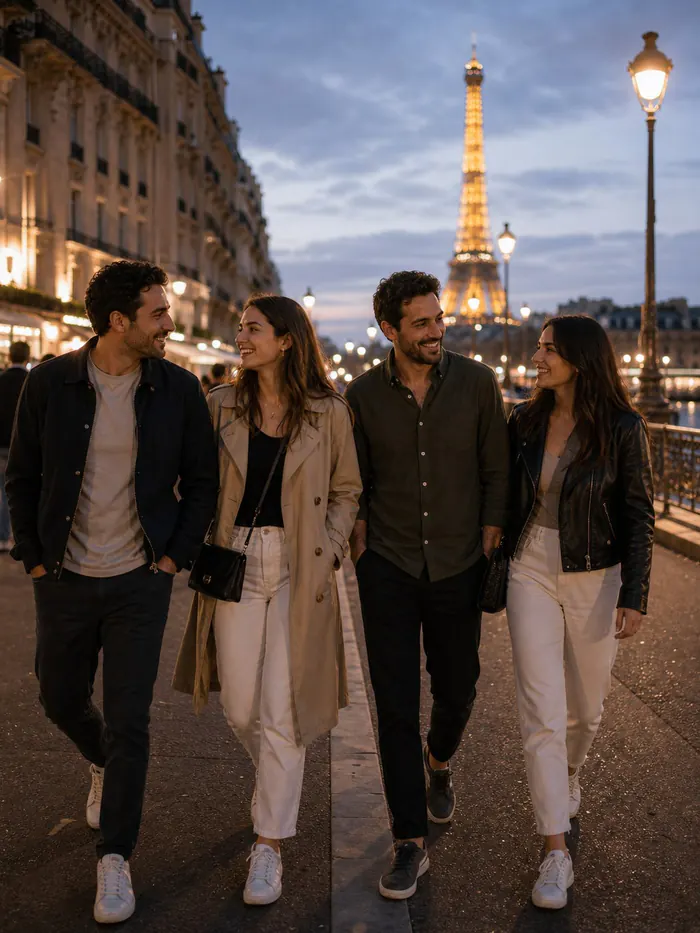
Give each destination its own photos, video cards, title style, stickers, and transition.
Each stop can carry a different visual treatment, so a city break and a coastal finale never have to feel the same.
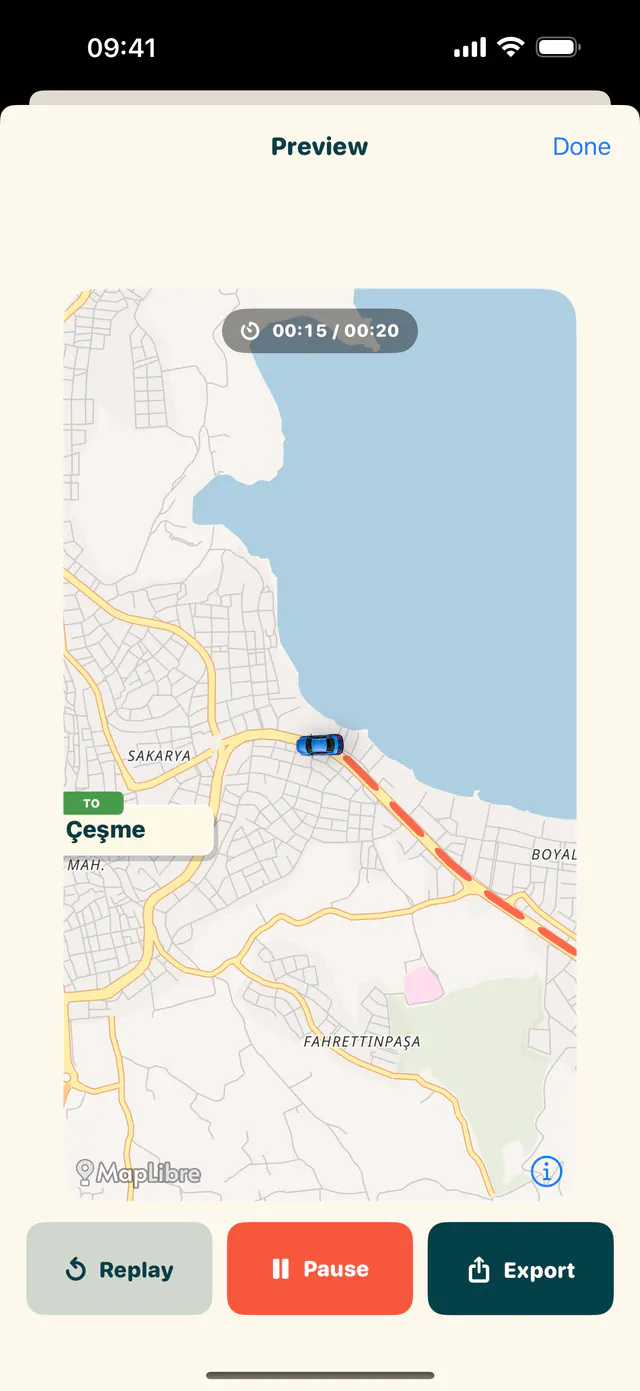
Preview the motion
See the route draw behind the vehicle while the camera follows each leg with a smooth, cinematic pace.
Share the finished scene
Export a vertical or square MP4, then send it to Instagram, Facebook, or any app in the iOS share sheet.
Every video ends with a Made with TripScene outro that keeps your route and its creator visible. Premium makes it optional.
Travel more. Tell it better.
Your next trip already has a story.
TripScene for iPhone is out now on the App Store.
Download on theApp Store